We've got class! (& so can you! )
### Classes and counting! Click on any card below to learn more and see interactive demos

🎨 SWColor Class
Create and manipulate colors with HSBA color mode with the ability translate to RGB, HSL, or hex values.
📍 SWPoint Class
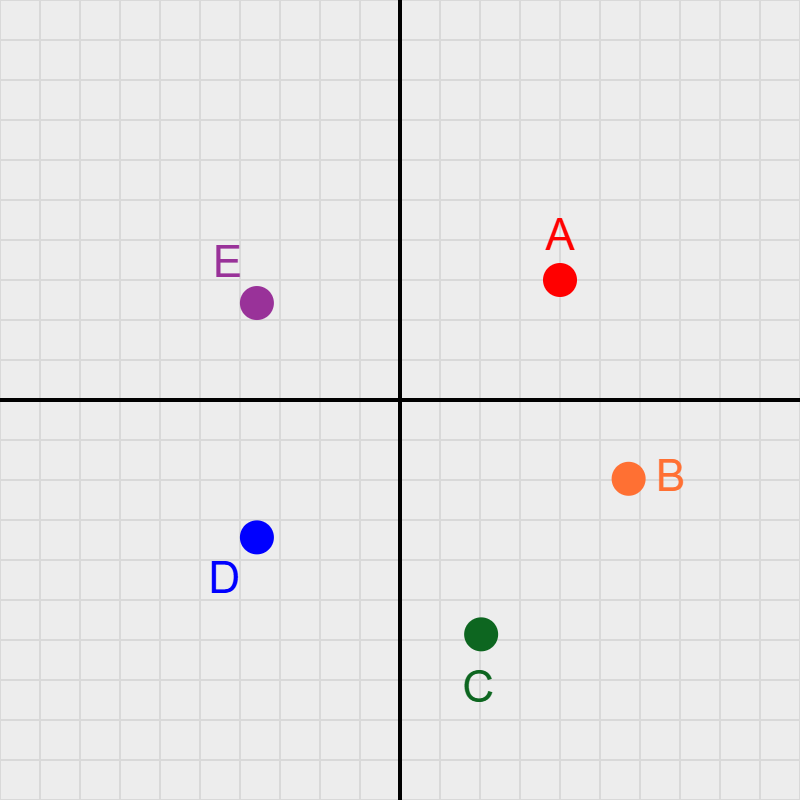
Create and manipulate points in 2D space with customizable colors, sizes, and labels.

📐 SWGrid Class
Add coordinate grids to your sketches for precise positioning and visual reference.

🟢 SWDisk Class
Create and manipulate disks with customizable colors, sizes, positions. Via SWSinusoid, watch them breathe and color cycle.

🍕 SWSector Class
Create and animate pizza-slice sectors with a vertex, radius, and angular size θ. Via SWSinusoid, watch them spin, breathe radius and theta, and color cycle.

⌒ SWArc Class
Draw animated arcs — the curved crust of a circle — with customizable thickness and stroke caps. Via SWSinusoid, watch them spin, breathe radius, theta, and thickness, and color cycle.

🌓 SWTwoTonedDisk Class
Draw animated two-toned disks — with customizable radii and strokes (borders). Watch them spin, breathe their radii, and color cycle (via SWSinusoid).
🎱 SWTriDisk Class
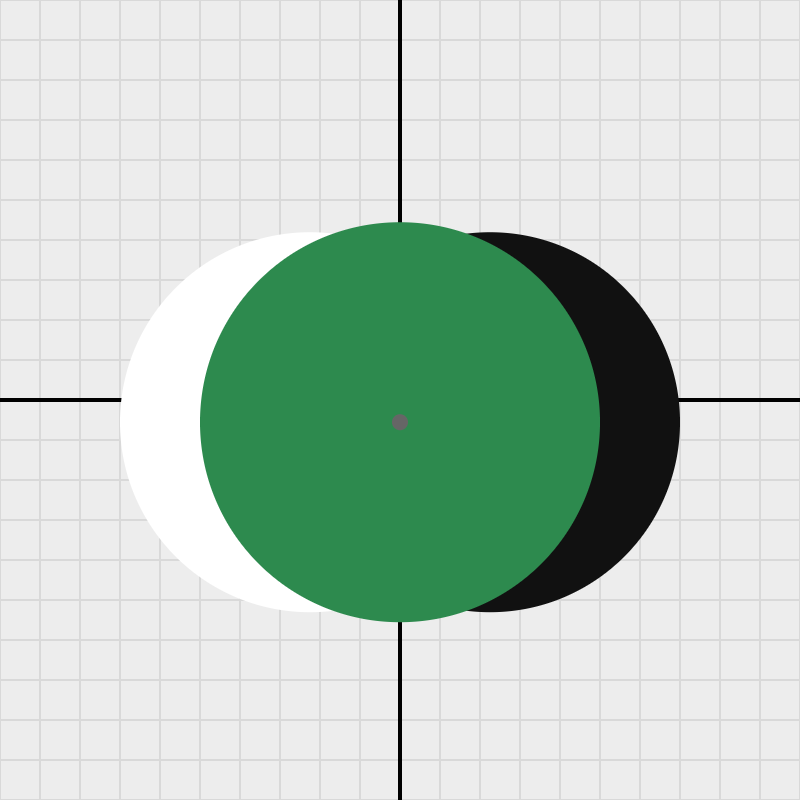
Three collinear disks on a rotatable axis — a center disk flanked by light and shadow side disks — create a convincing 3D sphere illusion. Watch the crescents dance as the axis spins!

⭕ SWRing Class
A stroke-only circular outline defined by a center, radius, and thickness — with three independent breathing animations (radius, thickness, opacity) plus hue cycling. Enable the center dot and drag the ring anywhere on the grid!

〰️ SWSinusoid Class
Control a ball's height with a sine wave! Change the frequency, and watch the ball bounce! Enable breathing and color cycling with your favorite shape!

📏 SWLine Class
Draw and manipulate line segments with customizable colors, thickness, and positions. Leverage their attributes in designs, and let them breathe and rotate.

➤ SWArrow Class
Draw and animate directed arrows with a styled shaft and customizable arrowhead. Control tip angle, barb length, color, and thickness — and let them breathe and spin.

🌈 SWGradient Class
Create and manipulate gradients with customizable colors, directions, and transitions.

🔺 SWTriangle Class
Create triangles and manipulate their attributes with customizable colors, thickness, and positions. Not surprisingly, they too can breathe and rotate.

▭ SWRectangle Class
Control a rectangle's dimensions with a sine wave! Change the frequency, and watch the rectangle breathe! Enable breathing and rotation. Be on the lookout for the 'golden rectangle'!

▪ SWSquare Class
A square is a rectangle where every side is equal. SWSquare extends SWRectangle with a single size parameter, adding handy geometric properties like diagonal, inscribed circle radius, and the fun toRhombus() transform.

🏁 SWTwoTonedSquare Class
This SWClass uses a SWSquare for a base, then allows a user to specify a parameter (1-4) that controls the two-toned pattern which can use primitive rectangles, squares or triangles. This shape allows you to make some interesting optical illusions!

⬭ SWEllipse Class
An ellipse defined by a center point and two independent radii. SWEllipse supports four breathing modes, free rotation via p5's push/pop pattern, and exposes geometric properties like eccentricity, focalDistance, and isCircle.

⬜ SWRoundedRectangle Class
Extends SWRectangle with smoothly rounded corners via p5's native rect() corner-radius support. Inherits all breathing modes and rotation animation. The cornerRadius property is in user units and scales automatically with the grid.

⬡ SWRegularPolygon Class
A regular n-sided polygon (triangle → dodecagon) defined by a center point, circumradius, and number of sides. Supports sharp-corner and Catmull-Rom rounded-corner drawing modes. Breathing scales the circumradius uniformly. Exposes apothem, sideLength, interior and exterior angles.

★ SWStar Class
A regular n-pointed star defined by a center point, outer circumradius (tip reach), and inner radius (valley depth). Outer and inner radii breathe independently via separate SWSinusoid objects — tips and valleys can pulse at completely different rates. Tip rounding uses quadratic-bezier chamfering on outer vertices only.

🐝 SWBug Class
An SWBug is a SWPoint. Why a bug? Because it has additional behaviors and properties that extend the basic SWPoint functionality: it can move erratically or with Perlin noise and mimic the behavior of a real bug as it crawls (or flys) around the screen. We can use it as a locator point for other objects in the future!

🅰️ SWCharacter Class
This 'shape' has a lot of 'character!' We use it to animate symbols and text in creative ways. A SWCharacter has a SWBug instance that locates it in a canvas, and enables it to move and interact dynamically with its environment.

🛞 SWWheel Class
A wagon-wheel shape built from three components: a filled hub (SWDisk), an outlined rim (SWDisk), and an array of spokes (SWLine). The wheel can spin at a given angular velocity via rotate(), and the rim can breathe (pulse in and out) via breathe() using a SWSinusoid. Claude developed this class quickly using basic SketchWave classes. His chatlog shows how.

🚑 SWCross Class
SWCross extends SWWheel as a locked-down plus-sign shape: always 4 arms, no visible rim, no visible hub. An initialRotation parameter pre-tilts the arms to any starting angle before animation begins. rotate() bakes that offset in so the spin always starts from the right position, and reset() returns to initialRotation rather than zero. Arm thickness, length, color, and cap style are all customizable.
Explore the SWWheel Saga to see how this shape was used to make multiple optical illusions.