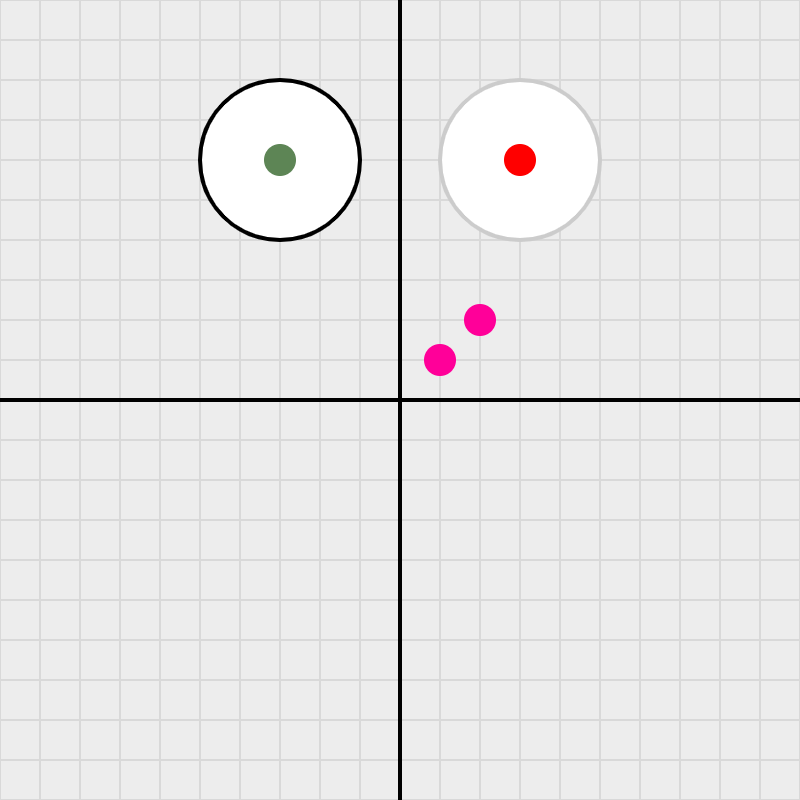
Eye 1: A Single Disk
The saga begins here. A single SWDisk is placed on a
SWGrid using SWColor for fill and stroke —
the simplest possible foundation for what will become a fully interactive eyeball.
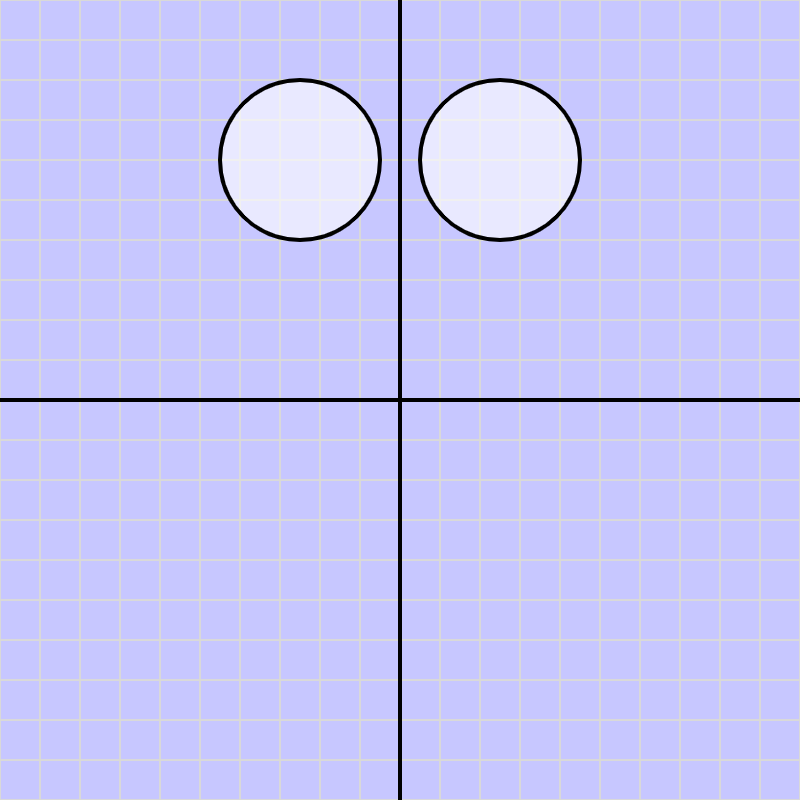
Eye 2: Transparency & Layering
The sclera disks get a colored background and a semi-transparent fill via
setFillAlpha(). Center points are hidden — setting the stage
for a second SWDisk to be layered on top as the pupil.
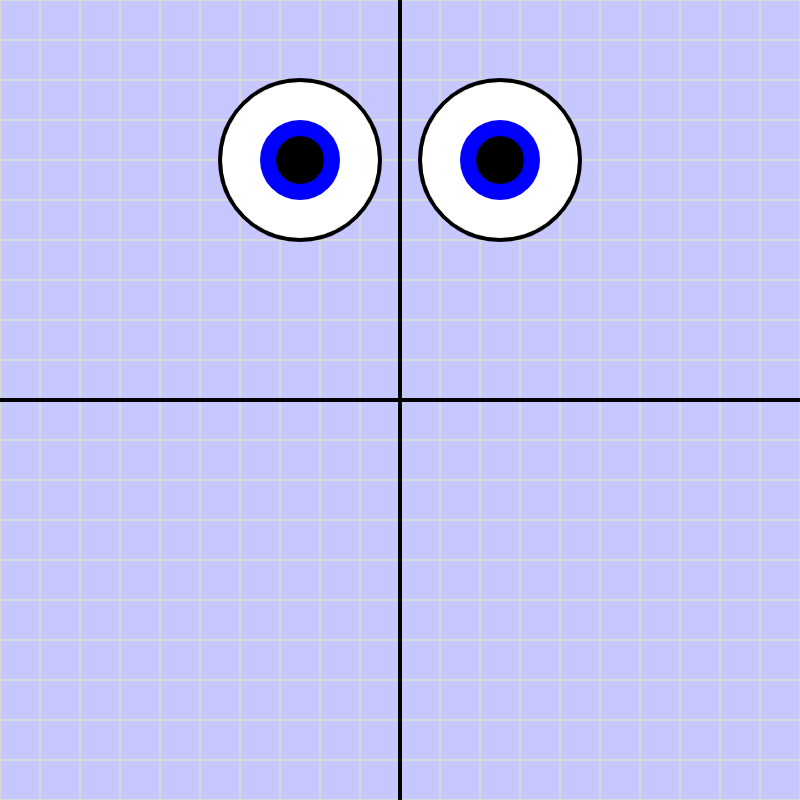
Eye 3: Iris & Pupil
A second SWDisk is layered on top of each sclera to form the
iris and pupil. A thick stroke creates the colored iris ring; a smaller
radius and dark fill produce the pupil — all from the same class.
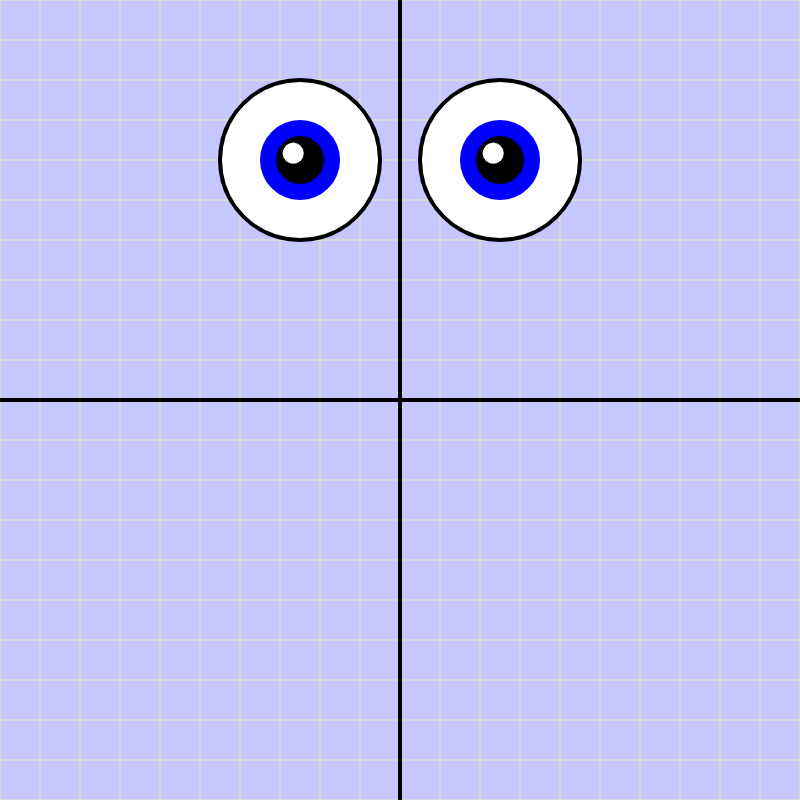
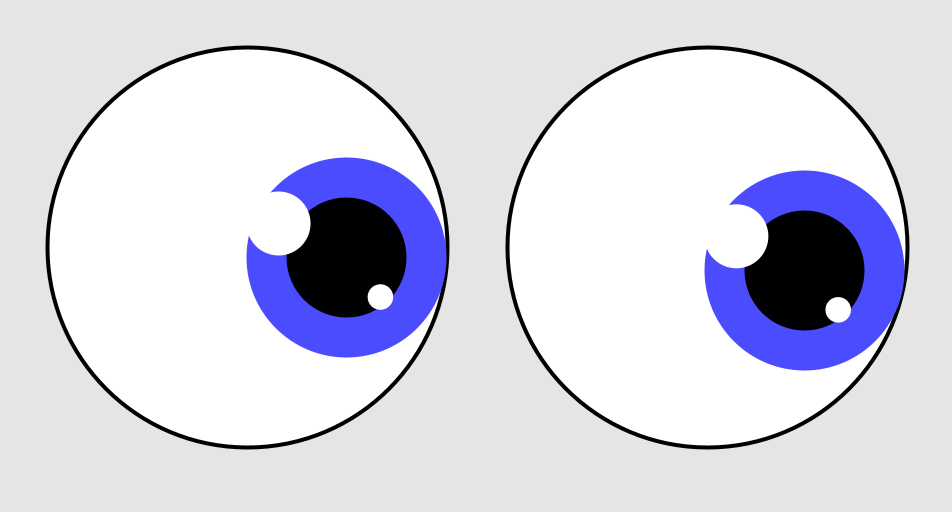
Eye 4: Glints
A glint highlight is added using polar coordinates to place a small
white SWDisk at a precise angle from the pupil center —
making the eye look alive with a single extra disk.
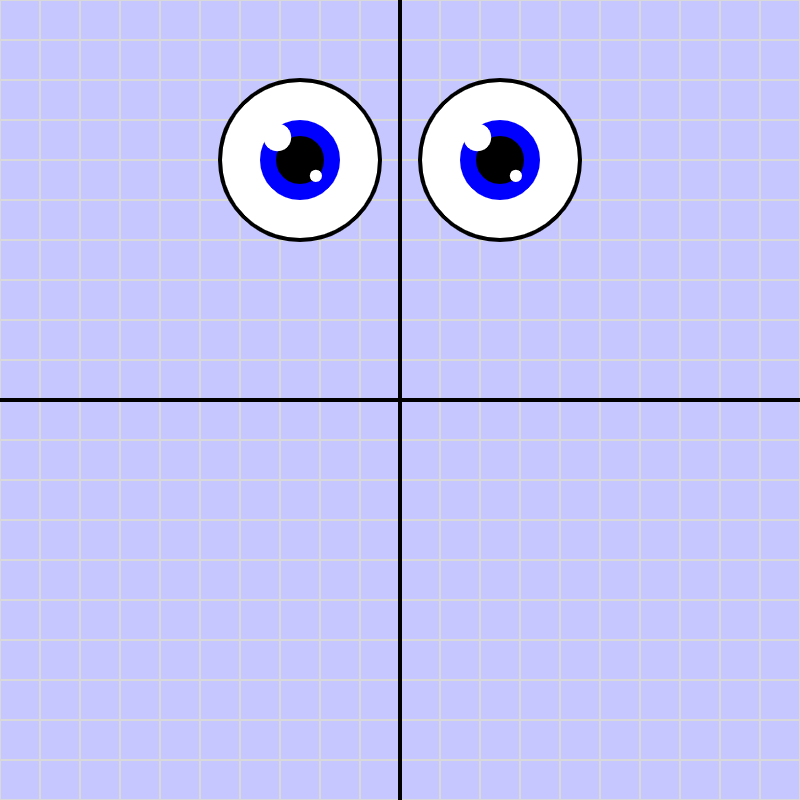
Eye 5: Two Glints
A second, smaller glint at 315° joins the primary highlight,
using a compounded glintFactor² and a shorter distance
to create a subtle bottom-right accent that adds depth and visual hierarchy.
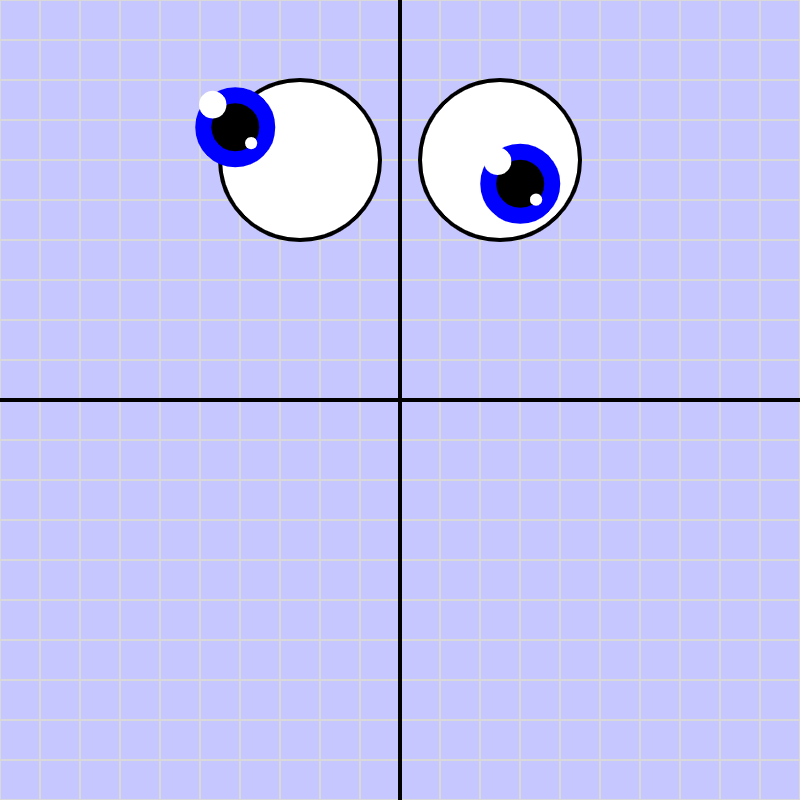
Eye 6: Draggable Pupils
Both pupils become interactive — drag either one inside its sclera
and the glints follow automatically, using stored Cartesian offsets
and SWPoint.setDraggable().
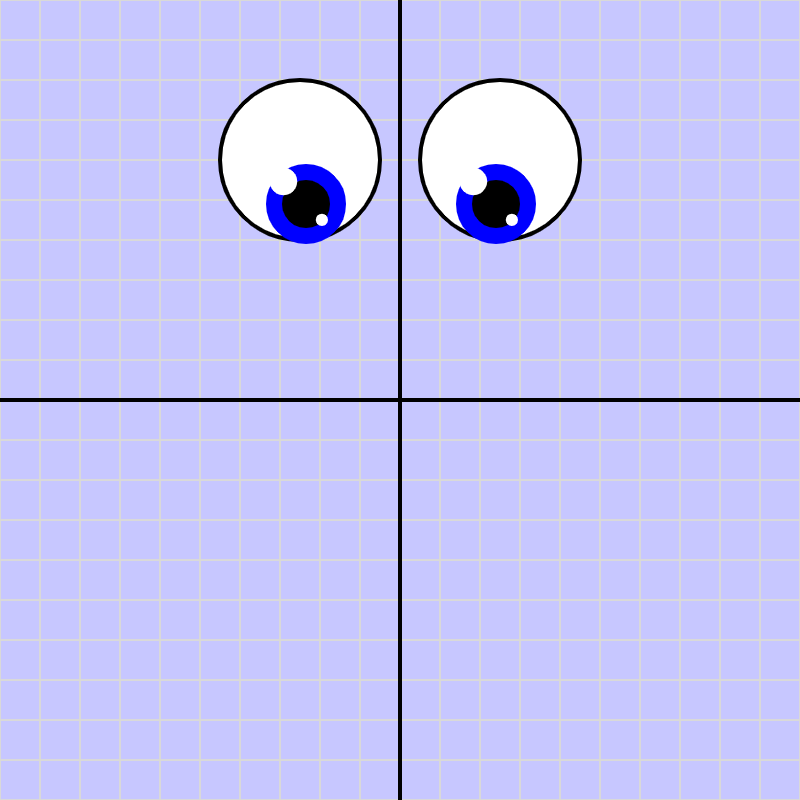
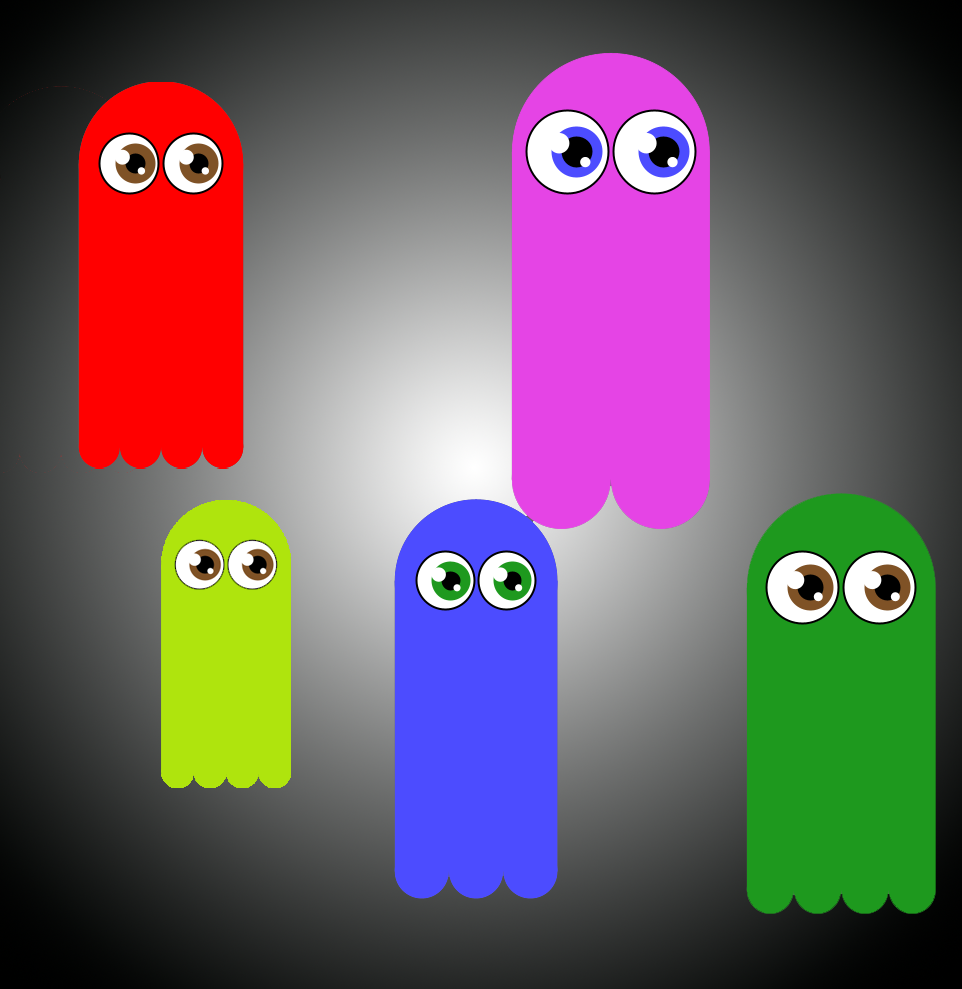
Eye 7: The SWEyeball Class
14 variables and a drag system collapse into two constructor calls.
SWEyeball encapsulates sclera, pupil, and both glints —
with full drag interaction delegated through handle* methods.
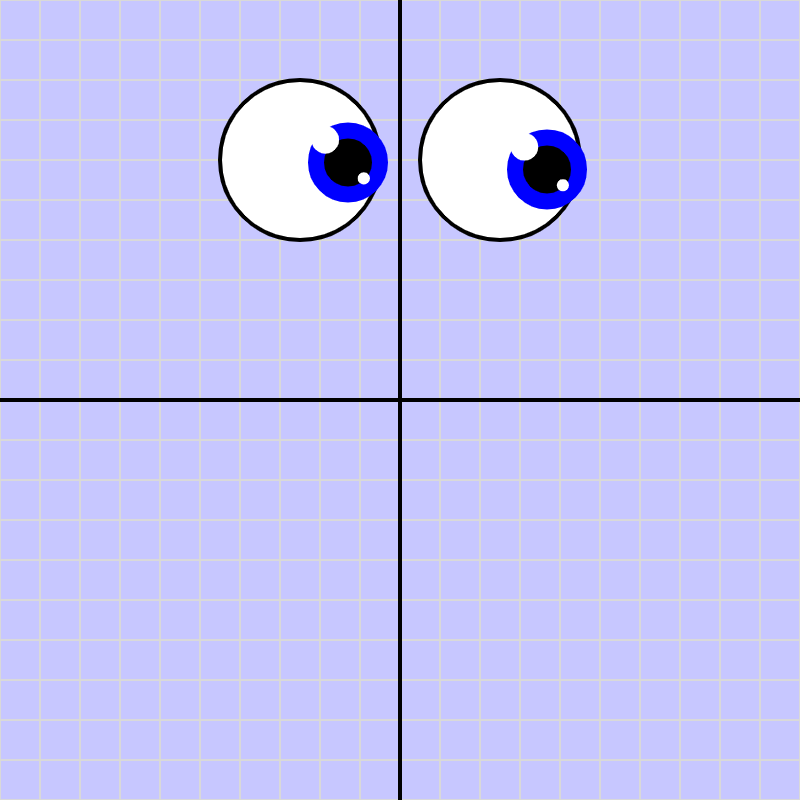
Eye 8: The Sketch Didn’t Change
Pupil constraints were added to SWEyeball — the pupil
now stays inside the sclera. The sketch required zero changes.
Same constructor calls, same drawOnGrid(), same handle* delegation.
This is Open/Closed in action.
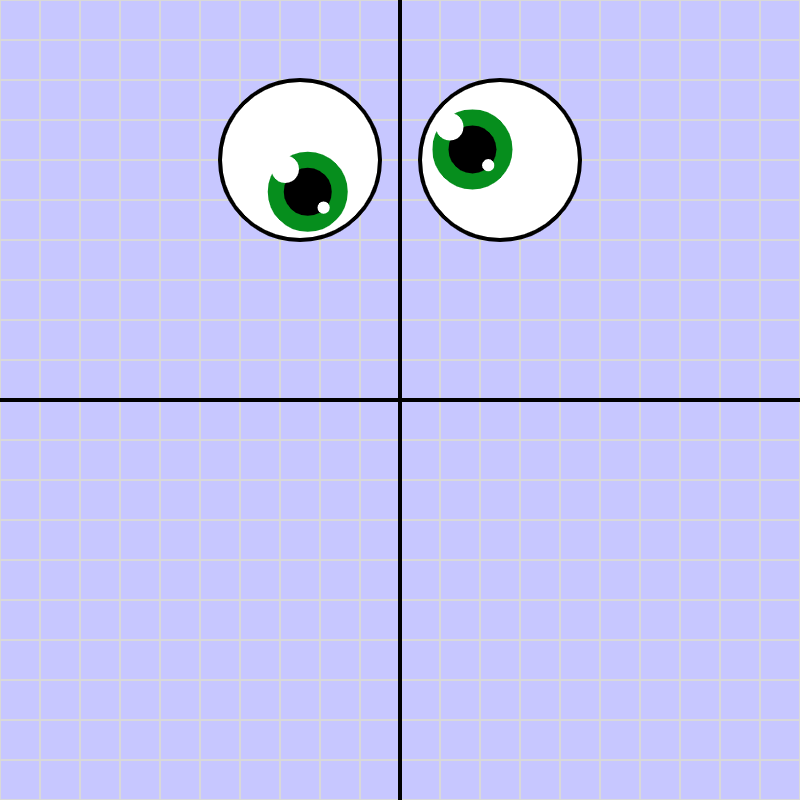
Eye 9: The Pupil Has an API
Randomize, Track mode, and a live iris color picker wire up to
setPupilOffset() and setIrisColor() — without
touching the constructor. A stable method surface lets any UI control
become a client of the class.
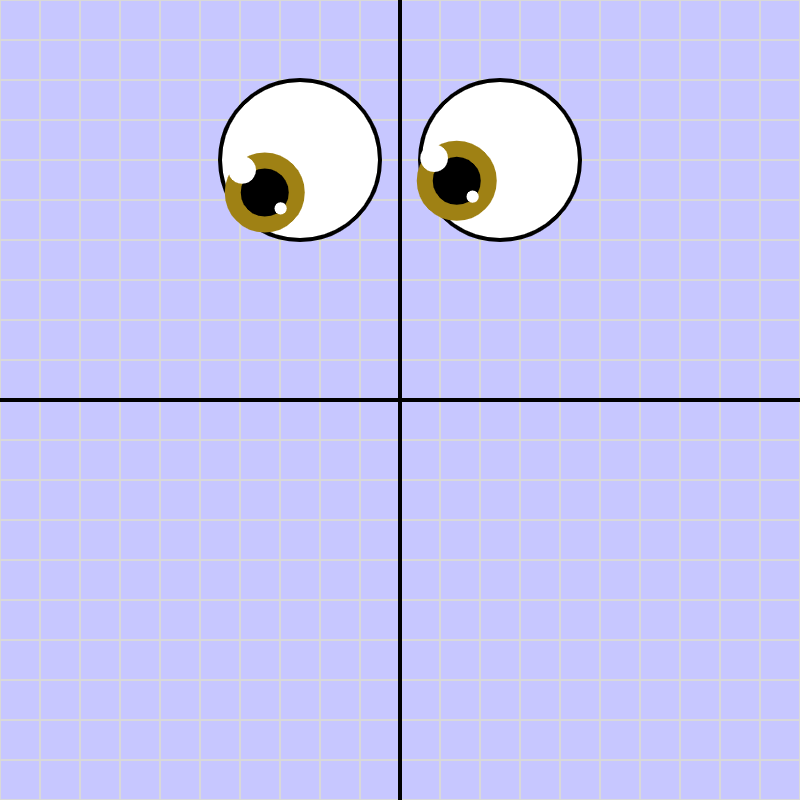
Eye 10: Eyes That Follow
lookAt() drives both pupils toward the mouse every frame.
Turn Track off: each eye sits at a different spot, so each one
calculates a slightly different angle to the cursor — just like real eyes
converge when you look at something close.
That effect was never explicitly coded; it fell out automatically once two objects
each did honest math from their own position.